
From this, to this

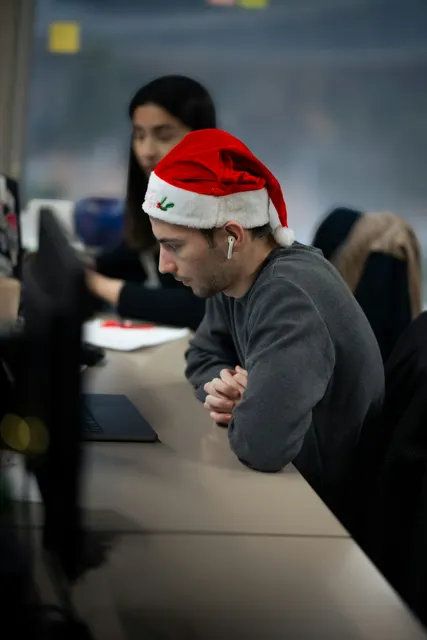




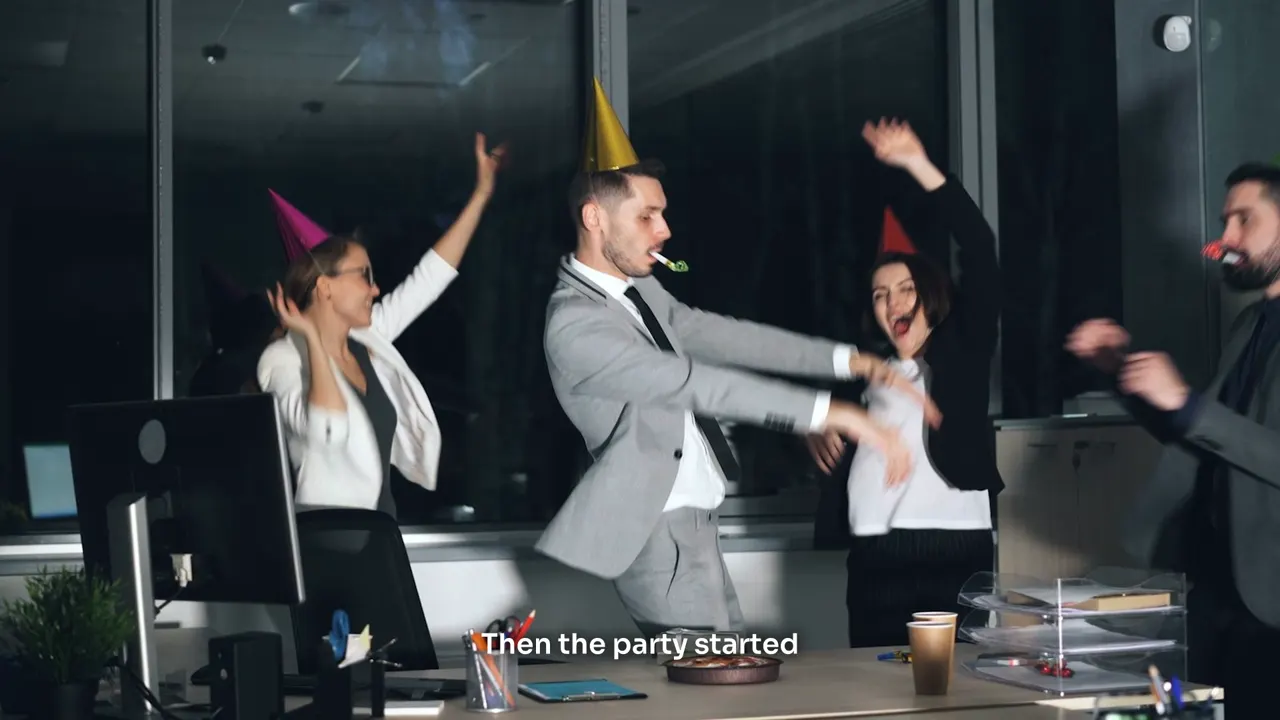
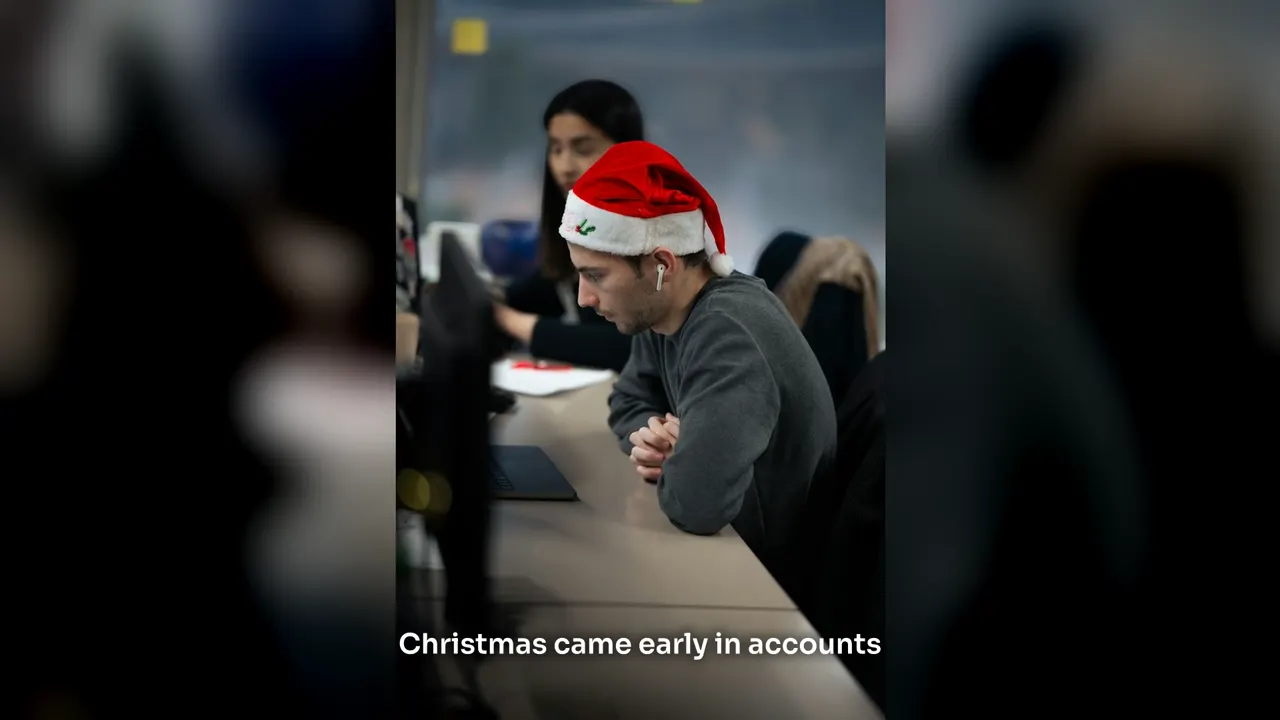
Upright, shown whole
A photo or clip filmed upright sits whole over a soft blur of itself, so nobody's head is cut off on the big screen.
Words on screen
Short lines in Beyond's caption type, sized for the shape. Switch them off for none at all.
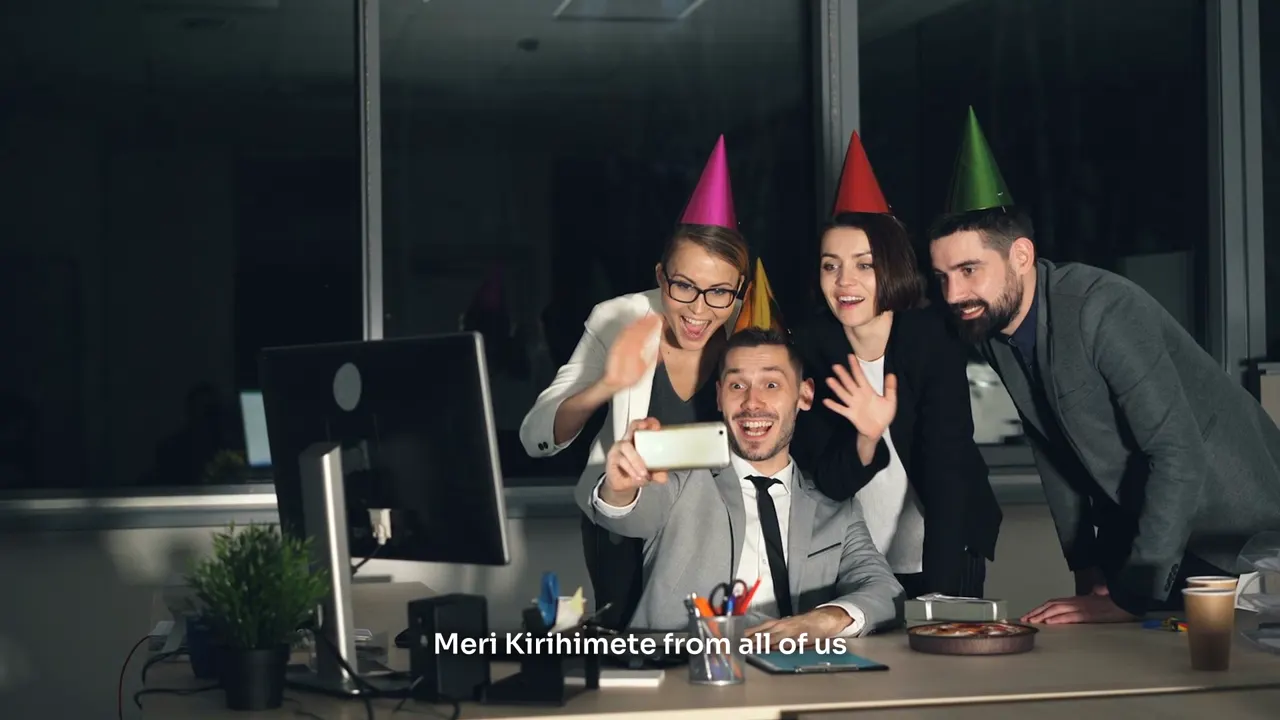
Photos that move
Every photo gets a slow push in. Clips play as they were filmed, slowed or sped where the edit asks.
Your part is three small jobs
1. Send one link
Drop a send-in link in the team chat. People open it on their phone, give their name and send clips and photos. No app and no account.
2. Say yes to the storyboard
Every scene is drafted in the video's shape before anything is cut. Move, change or drop any of them.
3. Watch and comment
Share a private link with the boss or the client. They comment at a moment or on a scene, and download the finished video.
The rest is Studio's
- Collects every clip and photo, and keeps who sent each one
- Tags who is in each upload by name, and shows who hasn't sent anything
- Splits off each clip's sound and writes down what is said
- Plans and cuts every scene from what was sent, never inventing a name or a quote
- Frames upright phone clips for a wide screen
- Adds words on screen, a music bed and a voiceover if you want them
- Keeps working with the page closed, and shows what is still building
Everything here is in Studio today
Send-in links your way
For everyone, one person or one scene, with your message at the top, for 7, 30 or 90 days. Stop one any time.
Who's in it
List the people in the video. Uploads are tagged by name, never by scanning faces. Tap a person to see all their clips.
Their own voices
Keep a clip's sound, mute it, let it carry on under the next shots, or play it under the whole scene.
Framed to fit
Whole over a blur, cropped to fill at the top, middle or bottom, or over a background AI paints out around it.
Music under it
None, upbeat, warm, epic, funky or 80s, made to the video's length and ducked under anyone talking.
A voiceover, or not
New Zealand, UK or US voices, your own voice recorded or uploaded, or just the clips' own sound.
Client links
As many as you like, each with a note and its own settings: watch only, the storyboard, or comments at a moment.
Everyone's originals
A media link with every clip and photo sent in, grouped by person, each ready to download.
Every step in full on custom videos.
Already made for a real event
About 30 people. One video for the stage.
The first custom video opened a company's yearly conference. About 30 staff each sent short clips and photos of their hobbies through one link. Studio made them into one wide screen video of about 20 scenes, with a New Zealand narrator, music and words on screen, and the client watched it, commented and downloaded it from a private link.
Christmas party
The year in review on the big screen, from what everyone already filmed.
End of year awards
A scene for each award, from the clips and photos people send in.
Meet the team
Hobbies and life outside work, cut into something people want to watch.
Conference opener
A wide screen opener for the stage or the projector.
Farewells and milestones
A send-off, a retirement or a big birthday for the business.
Team days and fundraisers
The day itself, told by the people who were there.
Also in Beyond Studio: walkthrough videos from the photos you already have and three TikTok ads from one product link.
Christmas videos, answered
Do people need an app or an account to send clips?
Do people need an app or an account to send clips?
No. They open the send-in link on a phone or computer, give their name, pick their part if you let them and upload. They see the video's title, your message and the parts, nothing else in your account.
What can they send?
What can they send?
Video clips (mp4, mov, webm or m4v) and photos (JPEG, PNG or WebP), many at once, straight from the camera roll.
Will upright phone clips look odd on a big screen?
Will upright phone clips look odd on a big screen?
No. An upright clip sits whole in the middle over a blurred copy of itself. You can crop it to fill instead, or sit it over a background AI paints out from it.
Can we change it once we see it?
Can we change it once we see it?
Yes. Each scene builds on its own, so changing one never redoes the rest. Comments from a client link come back to the video with Reply and Mark done.
What does it cost?
What does it cost?
Pay as you go: AI work comes off prepaid credit in New Zealand dollars, and new accounts start with NZ$15 free. No card and no plan to pick. Here, AI work means reading each clip, the storyboard, planning scenes, music and a voiceover. Cutting scenes and downloading are free. The finished video is NZ$9 the first time it is joined; joining it again after changes is free. Every price is on the pricing page.
Can Beyond make it for us?
Can Beyond make it for us?
Yes. Tell Beyond about the event on its website and they will quote it before anything starts.
Is it a New Zealand company?
Is it a New Zealand company?
Yes. Beyond Studio is made by Beyond (Global Support Limited) in New Zealand, and everything it writes is in New Zealand English.
Send the link this week
Sign up in a minute. New accounts start with NZ$15 of free credit, then pay as you go. December fills up fast, so the sooner the link goes out, the more clips come in.
Rather it was made for you? Ask Beyond for a quote.
- 1Tell us your name, email and what you make or sell.
- 2Type the eight digit code we email you. No password, no card.
- 3You're in, with NZ$15 of credit and a short set-up to get you going.